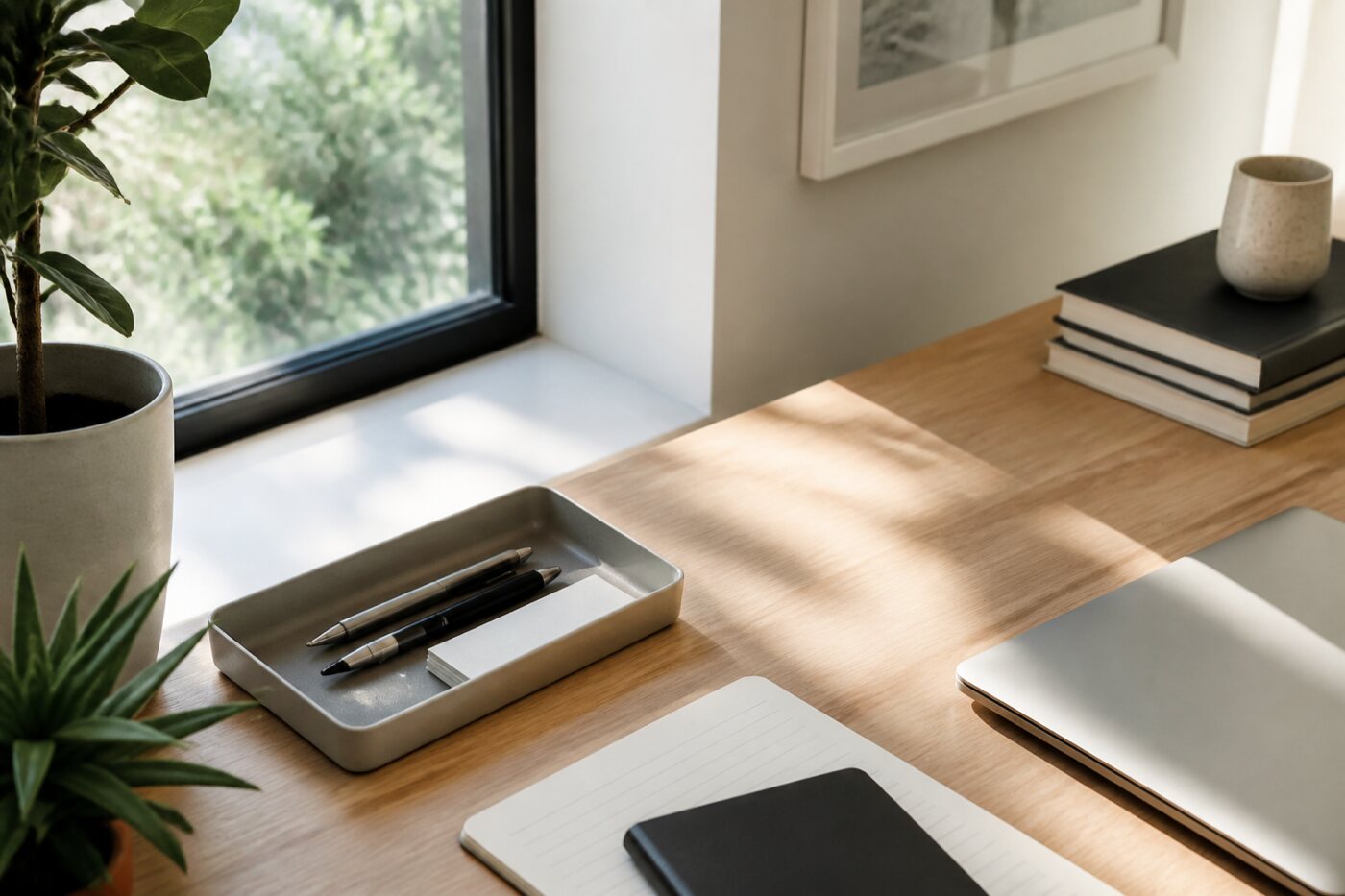
Clutter as an attention tax
A messy desk is not only aesthetic. Visible unfinished objects and unsorted files keep whispering unfinished business. Before you begin hard work, you are already paying an attention tax.
A reset is not a magazine-ready makeover. It is the minimum order required to start. Timed resets prevent tidying from becoming a new form of procrastination.
The 15-minute method
Minutes 0–5: clear cups, wrappers, and obvious trash. Move unrelated objects into a side box labeled “Later.” Do not organize the box yet.
Minutes 5–10: sort digital files into Active, Reference, and Archive. Coarse sorting beats perfect taxonomy. The goal is fewer decisions at the next open.
Minutes 10–15: leave only the current project on screen. Close extra windows. Stop when the timer ends, even if imperfect.
Desktop and downloads rules
Your computer desktop is not a holding pen for downloads. Keep current project shortcuts only. Empty the downloads folder weekly during Digital Saturday or your monthly maintenance window.
Cloud drives need the same Active / Reference / Archive boundary. Search gets slower when everything lives in one endless root folder.
Reset before meetings and deep work
A five-minute micro-reset before a meeting can recover composure: clear the surface, open only the agenda doc, and put the phone face down. A fuller fifteen-minute reset before a deep work block reduces warm-up friction.
Pair resets with existing habits: after shutdown ritual, or before the first deep work block of the day.
Shared desks and small spaces
If you share a table, use a portable work tray. End-of-day reset means the tray leaves the shared surface. Small apartments benefit from vertical storage and a single “active project” zone rather than spreading materials everywhere.
Failure modes
Aiming for perfect color-coded folders on day one. Coarse order first.
Resetting for forty-five minutes and calling it deep work. Use the timer.
Leaving downloads untouched for months until the disk is full. Schedule a recurring sweep.
Digital minimalism at the surface layer
Surface clutter includes dock icons, browser toolbars, and sticky desktop widgets. Remove icons you do not use weekly. Hide bookmarks behind a clean bar. Every glanceable object is a tiny prompt.
Create a “Today” fullscreen space if your OS supports it: only the current project app and notes. When the deep block ends, leave that space.
Cable clutter also matters. A five-minute cable tidy during reset prevents friction that feels oddly demoralizing at the start of work.
Reset cadences compared
Micro-reset: two to five minutes between meetings. Full reset: fifteen minutes before deep work or after shutdown. Weekly reset: thirty minutes including downloads and tray sorting.
Pick cadences you can keep during busy seasons. A skipped weekly reset is recoverable; a culture of never resetting creates permanent warm-up drag.
Track one metric for a week: minutes from sitting down to first useful edit. After resets, that number usually falls.
FAQ
What do I do with the Later box? Schedule a weekly ten-minute sort. If an item stays there a month, discard or archive it.
Is a perfectly empty desk required? No. Required materials may stay out. Random materials may not.
What about paper notebooks? Keep one active notebook in the work zone; store finished notebooks elsewhere.
Before-and-after workflow
Before resets, a typical start looked like: move cups, hunt for a cable, close twelve tabs, search downloads for a PDF, then finally edit. Warm-up consumed twelve to twenty minutes.
After two weeks of timed resets, the same person sat down, opened the Active project folder, and edited within three minutes. The recovered minutes funded an extra deep block over the week.
The side box collected random cables and paper for weekly sorting. Most items were discarded. The emotional relief of a clear start often mattered as much as the time saved.
Travel and temporary desks
Create a portable reset kit: charger, notepad, pen, and earphones in one pouch. On arrival at a temporary desk, do a five-minute reset before connecting to Wi-Fi.
Hotel desks collect clutter quickly. End each remote workday with the same shutdown-plus-reset pairing you use at home so the next morning’s start stays familiar.
If you work from a couch, define a lap desk as the work zone and clear it completely at shutdown. Soft furniture without a clear zone blurs work and rest.
Checklist
- Fifteen-minute timer set
- Surface cleared and side box used
- Files sorted Active / Reference / Archive
- Only current project visible on screen
- Downloads scheduled for weekly sweep
- Micro-reset available before meetings
Next step
Run one timed fifteen-minute reset today, then notice how long it takes to start tomorrow’s first task. Environment changes are often faster wins than mindset lectures. See more guides in the article list.